QC synthetic Computer Vision Dataset

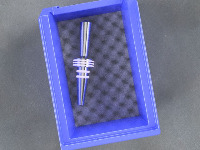
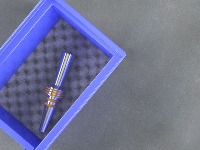

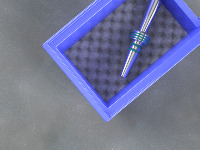

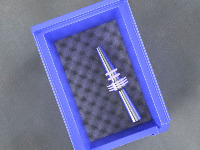

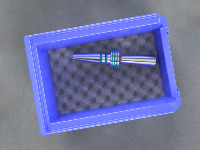

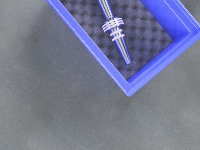
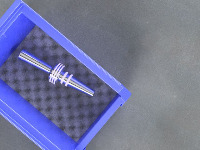

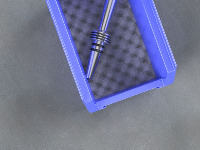

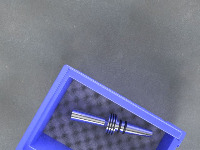

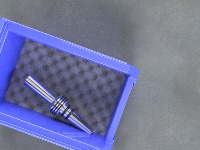


About QC synthetic Dataset
Here are a few use cases for this project:
-
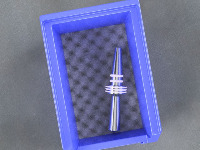
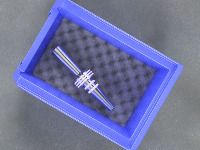
Automated Quality Control: Companies that manufacture or handle UniLokks-UpperRings-LowerRings could use the QC synthetic model in their quality control process. It could identify and sort different classes of items quicker and more accurately than human inspectors, improving efficiency of the operation and reducing the risk of errors.
-
Warehouse Sorting/Management: The computer vision model could be used in warehouses to categorize and sort incoming stock, identify stored items and automate inventory tracking process. This can bring significant efficiency and organization to warehouse management.
-
eCommerce Classification: Images of sold items could be automatically categorized into different classes (unilokk, lower-green, upper-red, lower-red, upper-green, lower-white, lower-black, upper-white, upper-black) to benefit both sellers and buyers. This could be used to improve search results and product recommendations in the platform.
-
Robotics in Production Line: Robots equipped with this computer vision model could be used in automatic production line for assemblage or sorting tasks, ensuring that the correct components are used or sorted efficiently.
-
Augmented Reality Applications: In AR apps geared towards education or industrial training, the QC synthetic model could be used to identify and provide information on these components in real time. This use case could help users learn more about the specific components they are seeing and how they function in a larger system.
Use Free Lower-black, Lower-green and Lower-red Detection API
Powered by general detection model
pip install inference-sdk# 1. Import the library
from inference_sdk import InferenceHTTPClient
# 2. Connect to your workspace
client = InferenceHTTPClient(
api_url="https://serverless.roboflow.com",
api_key="API_KEY"
)
# 3. Run your workflow on an image
result = client.run_workflow(
workspace_name="<YOUR_WORKSPACE>",
workflow_id="<YOUR_WORKFLOW_ID>",
images={
"image": "YOUR_IMAGE.jpg" # Path to your image file
},
parameters={
"classes": "lower-black, lower-green, lower-red, lower-white, unilokk"
},
use_cache=True # cache workflow definition for 15 minutes
)
# 4. Get your results
print(result)Run on custom image
Drop an image here or click to upload
Tell the agent what you want to build.
Cite This Project
LicenseCC BY 4.0If you use this dataset in a research paper, please cite it using the following BibTeX:
@misc{ qc-synthetic_dataset,
  title = { QC synthetic Dataset },
  type = { Open Source Dataset },
  author = { WGP Paper },
  howpublished = { \url{ https://universe.roboflow.com/wgp-paper/qc-synthetic } },
  url = { https://universe.roboflow.com/wgp-paper/qc-synthetic },
  journal = { Roboflow Universe },
  publisher = { Roboflow },
  year = { 2023 },
  month = { feb },
  note = { visited on 2026-07-29 },
}