gwhd2021-fsod-opin Computer Vision Dataset







About gwhd2021-fsod-opin Dataset
Overview
Introduction
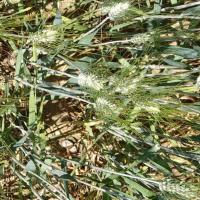
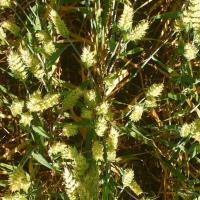
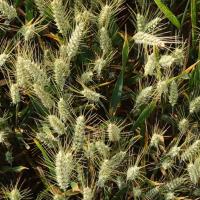
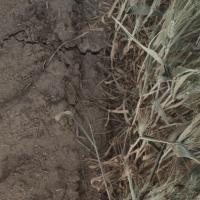
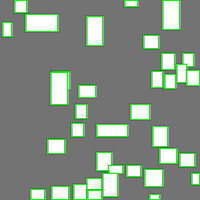
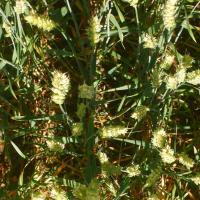
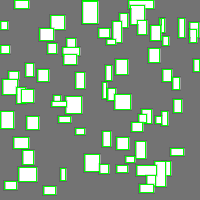
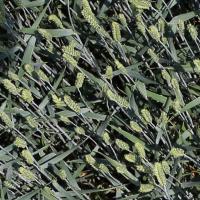
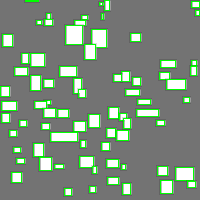
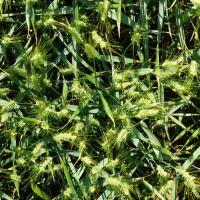
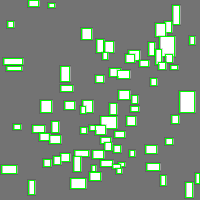
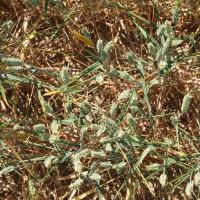
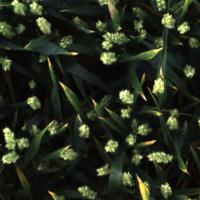
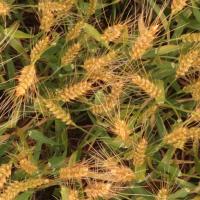
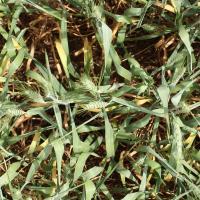
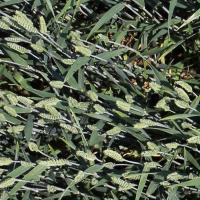
This dataset is focused on the precise identification and annotation of wheat heads in agricultural fields. The dataset consists of images capturing wheat heads during different growth stages. The primary goal is to assist in the development of algorithms for the automatic detection and analysis of wheat crops.
Object Classes
whd
Description
The "whd" class represents wheat heads. These are elongated structures with a series of seeds arranged along a central axis. Mature wheat heads are typically visible in the plant amidst surrounding leaves and stems. They exhibit a distinctive texture with a dense formation of individual grains.
Instructions
-
Annotate all visible wheat heads: Draw bounding boxes around each distinct wheat head. Include the full length of the head from where the seeds start to where they end.
-
Partial visibility: If a wheat head is partially visible due to occlusion by leaves or other plants, estimate its full size based on the visible portion and annotate accordingly.
-
Clusters and overlaps: For clusters of overlapping wheat heads, try to distinguish and individually annotate each head as long as they are visually separable.
-
Do not annotate leaves or other plant structures that are not part of the wheat head itself.
-
Size consideration: Do not annotate any wheat head that is less than 10 pixels in length in the image to ensure annotations focus on clearly visible instances.
By following these instructions, annotators will consistently identify and mark wheat heads across the dataset, aiding in the dataset's utility for machine learning applications.
Use Free Wheat-heads Detection API
Powered by general detection model
pip install inference-sdk# 1. Import the library
from inference_sdk import InferenceHTTPClient
# 2. Connect to your workspace
client = InferenceHTTPClient(
api_url="https://serverless.roboflow.com",
api_key="API_KEY"
)
# 3. Run your workflow on an image
result = client.run_workflow(
workspace_name="<YOUR_WORKSPACE>",
workflow_id="<YOUR_WORKFLOW_ID>",
images={
"image": "YOUR_IMAGE.jpg" # Path to your image file
},
parameters={
"classes": "wheat-heads"
},
use_cache=True # cache workflow definition for 15 minutes
)
# 4. Get your results
print(result)Run on custom image
Drop an image here or click to upload
Tell the agent what you want to build.
Cite This Project
LicenseMITIf you use this dataset in a research paper, please cite it using the following BibTeX:
@misc{ gwhd2021-fsod-opin_dataset,
  title = { gwhd2021-fsod-opin Dataset },
  type = { Open Source Dataset },
  author = { roboflow20temp },
  howpublished = { \url{ https://universe.roboflow.com/roboflow20temp/gwhd2021-fsod-opin } },
  url = { https://universe.roboflow.com/roboflow20temp/gwhd2021-fsod-opin },
  journal = { Roboflow Universe },
  publisher = { Roboflow },
  year = { 2025 },
  month = { jul },
  note = { visited on 2026-07-29 },
}