sssod-hdha Computer Vision Dataset








About sssod-hdha Dataset
Overview
Introduction
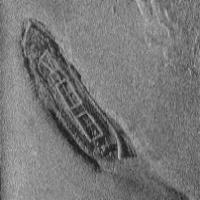
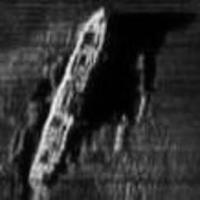
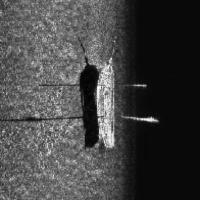
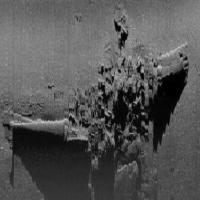
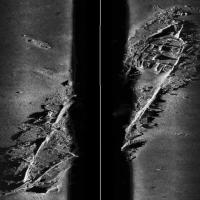
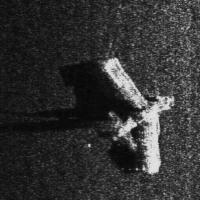
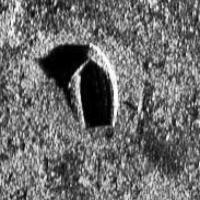
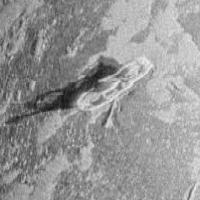
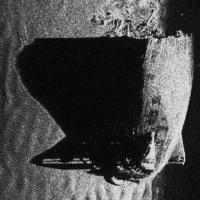
This dataset is designed to identify and annotate two distinct classes of objects: planes and ships, using object detection techniques. The objective is to accurately detect and delineate these objects in various settings, providing bounding boxes around each instance.
Object Classes
Plane
Description
A plane in this dataset typically appears with a distinct fuselage and wings. The fuselage is elongated, with wings extending outward perpendicularly. Occasionally, tail wings or a vertical stabilizer are visible at the rear.
Instructions
- Draw a bounding box around the entire visible plane, including the fuselage, wings, and tail.
- Include both the main body and any visible extremities like wings or tails within the box.
- Ensure the box captures the full spatial extent, even when parts may overlap or are partially obscured.
- If a plane is partially outside the image, the bounding box should extend to the image boundary.
- Do not label indistinct shapes that cannot be clearly identified as a plane.
Ship
Description
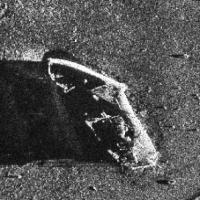
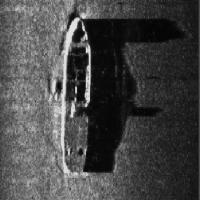
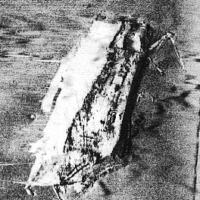
A ship typically appears with a long, narrow hull, sometimes presenting a deck structure or superstructure. Ships may have distinguishing features like masts or funnels.
Instructions
- Enclose the entire visible portion of the ship, including any visible hull, deck, or superstructure.
- Make sure the bounding box surrounds all visible parts of the ship.
- Align the box along the extremities, ensuring no significant part is left out.
- If the ship is partially beyond the image frame, draw the box up to the edge of the image.
- Do not include objects or reflections that cannot be confidently identified as part of a ship.
Use Free Ship and Plane Detection API
Powered by general detection model
pip install inference-sdk# 1. Import the library
from inference_sdk import InferenceHTTPClient
# 2. Connect to your workspace
client = InferenceHTTPClient(
api_url="https://serverless.roboflow.com",
api_key="API_KEY"
)
# 3. Run your workflow on an image
result = client.run_workflow(
workspace_name="<YOUR_WORKSPACE>",
workflow_id="<YOUR_WORKFLOW_ID>",
images={
"image": "YOUR_IMAGE.jpg" # Path to your image file
},
parameters={
"classes": "ship, plane"
},
use_cache=True # cache workflow definition for 15 minutes
)
# 4. Get your results
print(result)Run on custom image
Drop an image here or click to upload
Tell the agent what you want to build.
Cite This Project
LicenseMITIf you use this dataset in a research paper, please cite it using the following BibTeX:
@misc{ sssod-hdha_dataset,
  title = { sssod-hdha Dataset },
  type = { Open Source Dataset },
  author = { Roboflow100VL Full },
  howpublished = { \url{ https://universe.roboflow.com/roboflow100vl-full/sssod-hdha } },
  url = { https://universe.roboflow.com/roboflow100vl-full/sssod-hdha },
  journal = { Roboflow Universe },
  publisher = { Roboflow },
  year = { 2025 },
  month = { may },
  note = { visited on 2026-07-29 },
}