Last Computer Vision Dataset

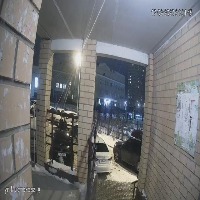

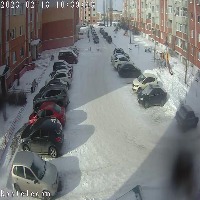

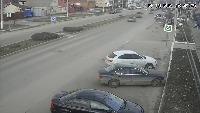


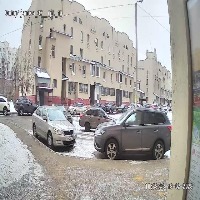

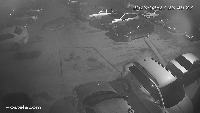

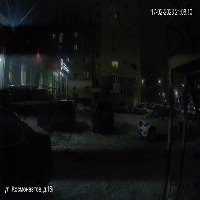


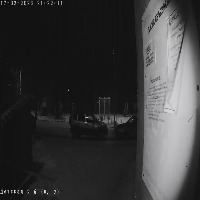

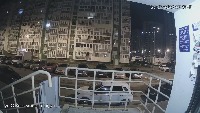

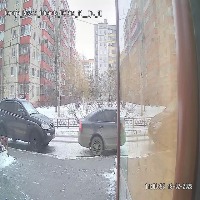

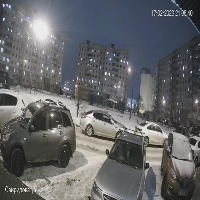
About Last Dataset
Here are a few use cases for this project:
-
Advanced Driving Assistance Systems (ADAS): The "Last" model can be crucial in ADAS as it could help in detecting and interpreting different objects, weather conditions, and lighting scenarios to provide real-time guidance to drivers. For instance, identifying a blur or night light occurrence could alert drivers about limited visibility ahead.
-
Security Surveillance: This model can be applied in surveillance systems to identify any irregularities in the captured footage. For instance, detecting "barrier" anomalies could indicate potential obstructions or hindrances in monitored areas, whereas the "other" class can help to categorize uncommon scenarios.
-
Traffic Management Systems: The model can be used to optimize traffic flow by understanding weather conditions, lighting, and other environmental circumstances. For instance, identifying "slant", which may indicate the road condition, can be used to control traffic signals accordingly.
-
Photography and Video Editing Apps: The "Last" model can be utilized to provide suggestions to users about image quality adjustment based on detected anomalies such as blur, color, and lighting.
-
Autonomous Drone Navigation: Drones can use this model to maneuver in different environments by identifying anomalies including weather events, blur, and barriers, thereby adjusting their flight path and speed accordingly to ensure a safe navigation.
Use Free Yellow, Barrier and Blur Detection API
Powered by general detection model
pip install inference-sdk# 1. Import the library
from inference_sdk import InferenceHTTPClient
# 2. Connect to your workspace
client = InferenceHTTPClient(
api_url="https://serverless.roboflow.com",
api_key="API_KEY"
)
# 3. Run your workflow on an image
result = client.run_workflow(
workspace_name="<YOUR_WORKSPACE>",
workflow_id="<YOUR_WORKFLOW_ID>",
images={
"image": "YOUR_IMAGE.jpg" # Path to your image file
},
parameters={
"classes": "yellow, barrier, blur, color, lighting"
},
use_cache=True # cache workflow definition for 15 minutes
)
# 4. Get your results
print(result)Run on custom image
Drop an image here or click to upload
Tell the agent what you want to build.
Cite This Project
LicenseCC BY 4.0If you use this dataset in a research paper, please cite it using the following BibTeX:
@misc{ last-v51bl_dataset,
  title = { Last Dataset },
  type = { Open Source Dataset },
  author = { Julia },
  howpublished = { \url{ https://universe.roboflow.com/julia-p5qp8/last-v51bl } },
  url = { https://universe.roboflow.com/julia-p5qp8/last-v51bl },
  journal = { Roboflow Universe },
  publisher = { Roboflow },
  year = { 2023 },
  month = { jun },
  note = { visited on 2026-07-29 },
}