ISL Computer Vision Model
How to use the ISL Detection API
Try This Model
Drop an image here or click to upload
Or try a test image
Model type: Roboflow 3.0 Object Detection (Fast)
Dataset: isl-k8d0i/3 (307 images)
Checkpoint: isl-k8d0i/2
Aug 27, 2024
Code Snippets
from inference_sdk import InferenceHTTPClient

CLIENT = InferenceHTTPClient(
    api_url="https://serverless.roboflow.com",
    api_key="API_KEY"
)

result = CLIENT.infer("YOUR_IMAGE.jpg", model_id="isl-k8d0i/3")
Give your agent everything it needs
Or, Use Free Afraid, Agree and Assistance Detection API
Powered by general detection model
Code
pip install inference-sdk# 1. Import the library
from inference_sdk import InferenceHTTPClient
# 2. Connect to your workspace
client = InferenceHTTPClient(
api_url="https://serverless.roboflow.com",
api_key="API_KEY"
)
# 3. Run your workflow on an image
result = client.run_workflow(
workspace_name="<YOUR_WORKSPACE>",
workflow_id="<YOUR_WORKFLOW_ID>",
images={
"image": "YOUR_IMAGE.jpg" # Path to your image file
},
parameters={
"classes": "afraid, agree, assistance"
},
use_cache=True # cache workflow definition for 15 minutes
)
# 4. Get your results
print(result)Run on custom image
Drop an image here or click to upload
Detecting classes:
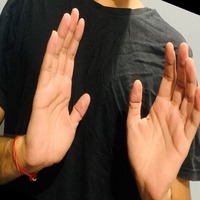
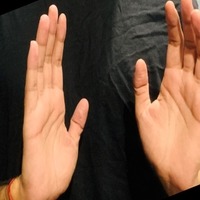
Or try a test image




















About ISL Model
A description for this project has not been published yet.
Roboflow Agent
Tell the agent what you want to build.
Cite This Project
LicenseCC BY 4.0If you use this dataset in a research paper, please cite it using the following BibTeX:
@misc{ isl-k8d0i_dataset,
  title = { ISL Dataset },
  type = { Open Source Dataset },
  author = { ISL },
  howpublished = { \url{ https://universe.roboflow.com/isl-vnjch/isl-k8d0i } },
  url = { https://universe.roboflow.com/isl-vnjch/isl-k8d0i },
  journal = { Roboflow Universe },
  publisher = { Roboflow },
  year = { 2024 },
  month = { aug },
  note = { visited on 2026-07-29 },
}