geckler5 Computer Vision Dataset
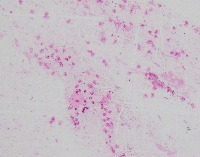

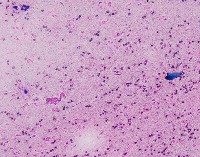


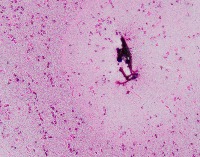

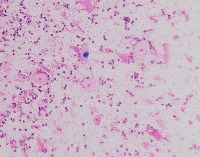
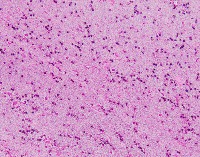



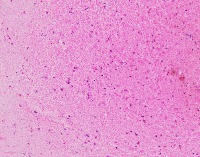
About geckler5 Dataset
Here are a few use cases for this project:
-
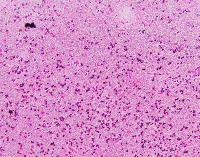
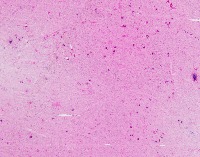
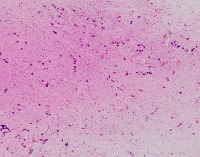
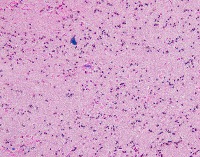
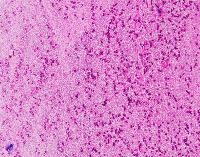
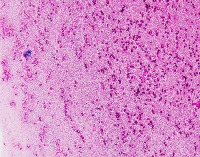
Medical Diagnostics: geckler5 can be used in healthcare facilities to analyze images of tissue samples, blood smear slides, or other medical images to detect the presence and distribution of White Blood Cells (WBC) and Erythrocyte Hemoglobin Concentration (EHC). This can aid in diagnosing diseases such as infections, anemia, or leukemia.
-
Research and Development: Scientists working in the field of hematology or immunology can use geckler5 to analyze large datasets of blood samples in their research studies. This can help them better understand blood cell morphology, variations, and concentrations in different conditions, ultimately leading to new medical discoveries.
-
Pharmaceutical Testing: The pharmaceutical industry can utilize geckler5 to analyze the effects of new drugs or treatment methods on WBC and EHC levels. This would allow researchers to monitor the efficacy, side effects, and other critical factors for drug trials and approval processes.
-
Educational Purposes: Educational institutions teaching medical or biological courses can implement geckler5 as a learning tool, helping students to identify and differentiate between various blood components. This can enhance their understanding of blood cell compositions and related medical conditions.
-
Blood Donation Centers and Blood Banks: geckler5 can be employed to assess the quality of blood donations in terms of WBC and EHC levels. This automated analysis would help staff ensure that donated blood meets necessary standards and is safe for transfusion into patients.
Use Free EHC and WBC Detection API
Powered by general detection model
pip install inference-sdk# 1. Import the library
from inference_sdk import InferenceHTTPClient
# 2. Connect to your workspace
client = InferenceHTTPClient(
api_url="https://serverless.roboflow.com",
api_key="API_KEY"
)
# 3. Run your workflow on an image
result = client.run_workflow(
workspace_name="<YOUR_WORKSPACE>",
workflow_id="<YOUR_WORKFLOW_ID>",
images={
"image": "YOUR_IMAGE.jpg" # Path to your image file
},
parameters={
"classes": "EHC, WBC"
},
use_cache=True # cache workflow definition for 15 minutes
)
# 4. Get your results
print(result)Run on custom image
Drop an image here or click to upload
Tell the agent what you want to build.
Cite This Project
LicenseCC BY 4.0If you use this dataset in a research paper, please cite it using the following BibTeX:
@misc{ geckler5_dataset,
  title = { geckler5 Dataset },
  type = { Open Source Dataset },
  author = { Geckler },
  howpublished = { \url{ https://universe.roboflow.com/geckler/geckler5 } },
  url = { https://universe.roboflow.com/geckler/geckler5 },
  journal = { Roboflow Universe },
  publisher = { Roboflow },
  year = { 2022 },
  month = { oct },
  note = { visited on 2026-07-29 },
}