ApexYoloV6 Computer Vision Dataset

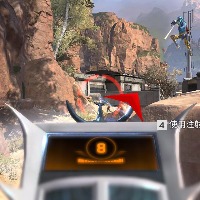

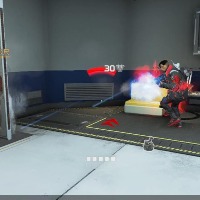
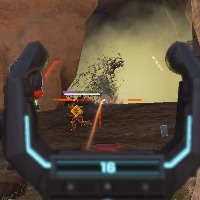





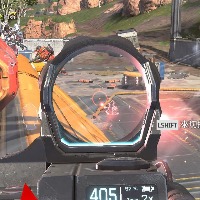

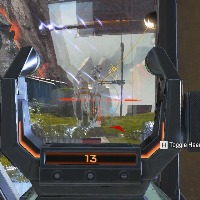

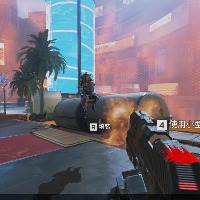

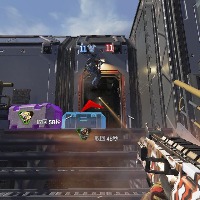
About ApexYoloV6 Dataset
Here are a few use cases for this project:
-
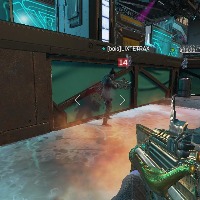
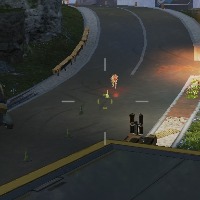
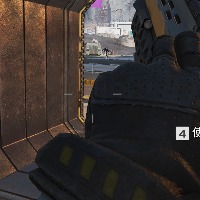
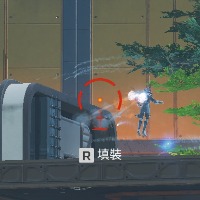
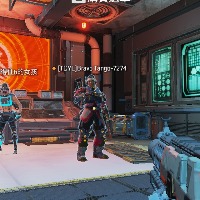
Video Game Design: Use the ApexYoloV6 model to identify and categorize various elements in video game screenshots. These can be user interfaces, in-game characters, items, or other relevant visual elements. This can aid in the development and refining of game graphics and interface design.
-
Video Game Analytics: Apply the model to detect and understand in-game events based on the screenshots. It can be used for creating heat maps of activity, understanding player behavior, or evaluating the game’s difficulty and balance.
-
Accessibility Tools: As the model can identify classes like 0, 2, 1, and x potentially representing objects or actions, it can be used to develop applications that make video games more accessible to individuals with certain disabilities. Recognizable classes can be transformed into accessible outputs like audio cues.
-
Live Streaming Enhancement: Use ApexYoloV6 to enhance live streaming platforms. Analyze the content of the game being streamed, provide real-time meta data for viewer interaction like game statistics or enhance the viewing experience by automating visual effects based on the recognized classes.
-
Game Tutorial Creation: The model can also be helpful in automated generation of video game guides or tutorials. By recognizing the particular game stages, actions or events from screenshots, it can help outline steps for passing a level or mastering a skill in the game.
Use Free 0, 1 and 2 Detection API
Powered by general detection model
pip install inference-sdk# 1. Import the library
from inference_sdk import InferenceHTTPClient
# 2. Connect to your workspace
client = InferenceHTTPClient(
api_url="https://serverless.roboflow.com",
api_key="API_KEY"
)
# 3. Run your workflow on an image
result = client.run_workflow(
workspace_name="<YOUR_WORKSPACE>",
workflow_id="<YOUR_WORKFLOW_ID>",
images={
"image": "YOUR_IMAGE.jpg" # Path to your image file
},
parameters={
"classes": "0, 1, 2, x"
},
use_cache=True # cache workflow definition for 15 minutes
)
# 4. Get your results
print(result)Run on custom image
Drop an image here or click to upload
Tell the agent what you want to build.
Cite This Project
LicenseCC BY 4.0If you use this dataset in a research paper, please cite it using the following BibTeX:
@misc{ apexyolov6_dataset,
  title = { ApexYoloV6 Dataset },
  type = { Open Source Dataset },
  author = { Apex },
  howpublished = { \url{ https://universe.roboflow.com/apex-esoic/apexyolov6 } },
  url = { https://universe.roboflow.com/apex-esoic/apexyolov6 },
  journal = { Roboflow Universe },
  publisher = { Roboflow },
  year = { 2026 },
  month = { may },
  note = { visited on 2026-07-29 },
}