wx_1 Computer Vision Dataset

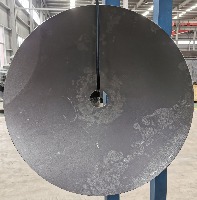

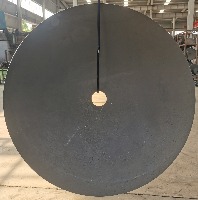

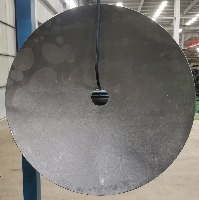

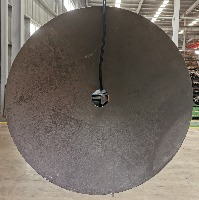

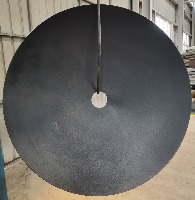

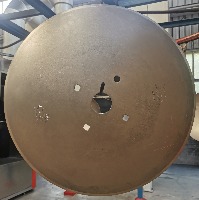

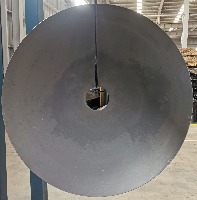

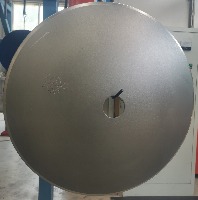

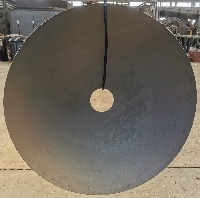
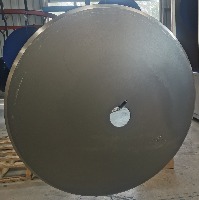

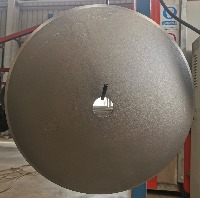

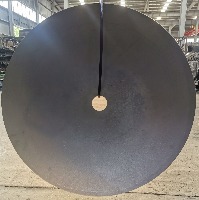
About wx_1 Dataset
Here are a few use cases for this project:
-
Quality Control in Manufacturing: Utilize the wx_1 computer vision model to automatically inspect and sort metal components on a production line based on the identified metal classes - huahen, heiyin, and keceng. This would improve efficiency, reduce human error, and minimize production costs.
-
Recycling and Scrap Metal Sorting: Implement the wx_1 model in recycling facilities to identify and separate different metal classes, ensuring efficient and accurate sorting of recyclable materials. This would contribute to a more sustainable way of reusing materials and reducing environmental impacts.
-
Jewelry and Artwork Authentication: The wx_1 computer vision model can be applied in the field of jewelry making and metal artwork to verify the authenticity of components based on their metal classification. This would help secure the provenance and value of an artwork or jewelry piece.
-
Metal Detection in Security Scanning: Integrate the wx_1 model into security systems for transportation hubs, like airports and train stations, to specifically identify and differentiate between huahen, heiyin, and keceng metals within scanned items. This could improve safety measures and enhance threat identification within security protocols.
-
Geological and Mineral Exploration: Employ the wx_1 computer vision model in mining and geological studies to automatically analyze and classify minerals in soil and rock samples based on their metal content. This would streamline mineral exploration and help companies optimize their extraction efforts.
Use Free Heiyin, Huahen and Keceng Detection API
Powered by general detection model
pip install inference-sdk# 1. Import the library
from inference_sdk import InferenceHTTPClient
# 2. Connect to your workspace
client = InferenceHTTPClient(
api_url="https://serverless.roboflow.com",
api_key="API_KEY"
)
# 3. Run your workflow on an image
result = client.run_workflow(
workspace_name="<YOUR_WORKSPACE>",
workflow_id="<YOUR_WORKFLOW_ID>",
images={
"image": "YOUR_IMAGE.jpg" # Path to your image file
},
parameters={
"classes": "heiyin, huahen, keceng"
},
use_cache=True # cache workflow definition for 15 minutes
)
# 4. Get your results
print(result)Run on custom image
Drop an image here or click to upload
Tell the agent what you want to build.
Cite This Project
LicenseCC BY 4.0If you use this dataset in a research paper, please cite it using the following BibTeX:
@misc{ wx_1_dataset,
  title = { wx_1 Dataset },
  type = { Open Source Dataset },
  author = { wx_dl },
  howpublished = { \url{ https://universe.roboflow.com/wx_dl/wx_1 } },
  url = { https://universe.roboflow.com/wx_dl/wx_1 },
  journal = { Roboflow Universe },
  publisher = { Roboflow },
  year = { 2022 },
  month = { sep },
  note = { visited on 2026-07-29 },
}