thermal Computer Vision Dataset

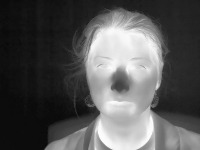
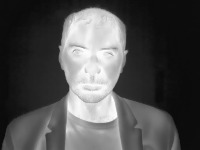

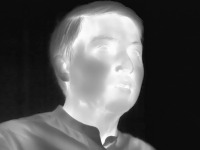

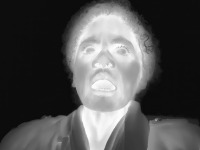
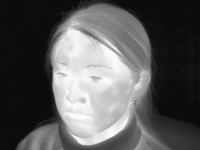

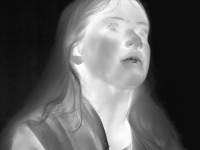
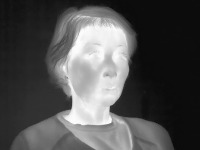
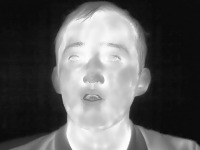
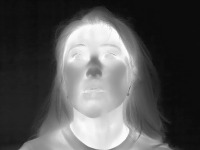
About thermal Dataset
Here are a few use cases for this project:
-
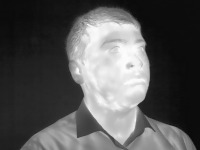
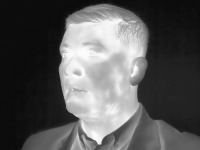
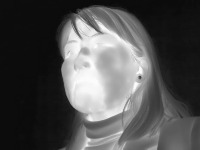
Sleep Monitoring: The "thermal" computer vision model could be integrated into sleep tracking applications or devices to detect if a person has one or both eyes closed during their sleep cycle. This could help monitor sleep quality and detect potential sleep issues such as sleep apnea.
-
Drowsiness Detection: The model could be utilized in vehicle safety systems to monitor the driver's alertness level by identifying if they have one or both eyes closed. This could trigger an alert or safety measures to prevent drowsy driving and potential accidents.
-
Eye Health Assessment: Optometrists or medical professionals could benefit from using the "thermal" computer vision model during eye exams to automatically track and assess a patient's eye movements and responses, including their ability to open and close one or both eyes.
-
User Interface Adaptation: In applications or devices that utilize eye tracking for navigation or control, the model could be used to adapt the interface based on the user's eye state (OneEye or TwoEyes). For example, if a user with limited vision is using a screen reader, the interface could adapt accordingly to ensure full accessibility.
-
Virtual Reality (VR) and Augmented Reality (AR): The "thermal" computer vision model could be implemented in VR and AR systems to enhance user interactions by detecting and responding to users' eye states, such as blinking or winking, as a form of input or control.
Use Free OneEye and TwoEyes Detection API
Powered by general detection model
pip install inference-sdk# 1. Import the library
from inference_sdk import InferenceHTTPClient
# 2. Connect to your workspace
client = InferenceHTTPClient(
api_url="https://serverless.roboflow.com",
api_key="API_KEY"
)
# 3. Run your workflow on an image
result = client.run_workflow(
workspace_name="<YOUR_WORKSPACE>",
workflow_id="<YOUR_WORKFLOW_ID>",
images={
"image": "YOUR_IMAGE.jpg" # Path to your image file
},
parameters={
"classes": "OneEye, TwoEyes"
},
use_cache=True # cache workflow definition for 15 minutes
)
# 4. Get your results
print(result)Run on custom image
Drop an image here or click to upload
Tell the agent what you want to build.
Cite This Project
LicenseCC BY 4.0If you use this dataset in a research paper, please cite it using the following BibTeX:
@misc{ thermal-tkwyu_dataset,
  title = { thermal Dataset },
  type = { Open Source Dataset },
  author = { Malek Ghourabi },
  howpublished = { \url{ https://universe.roboflow.com/malek-ghourabi/thermal-tkwyu } },
  url = { https://universe.roboflow.com/malek-ghourabi/thermal-tkwyu },
  journal = { Roboflow Universe },
  publisher = { Roboflow },
  year = { 2022 },
  month = { jul },
  note = { visited on 2026-07-29 },
}