102322_malig_norm Computer Vision Dataset



About 102322_malig_norm Dataset
Here are a few use cases for this project:
Use Case 1: Early Cancer Detection and Diagnosis
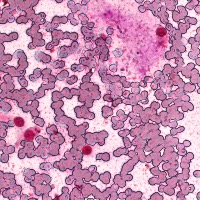
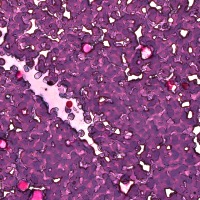
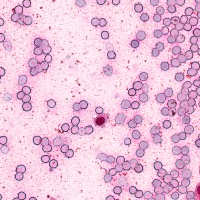
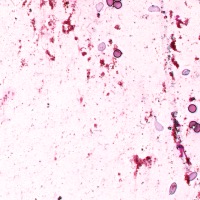
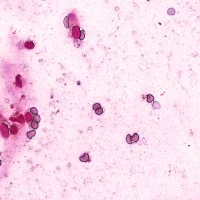
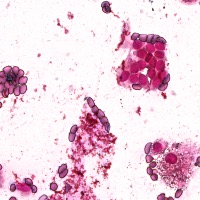
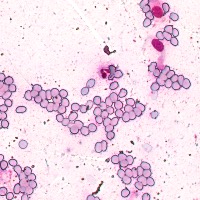
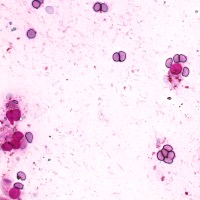
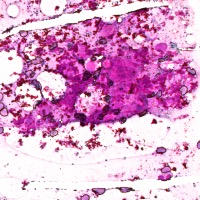
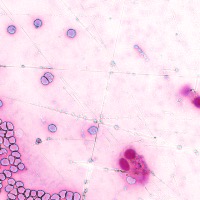
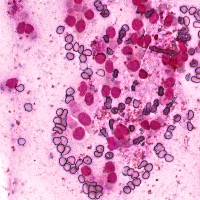
- The "102322_malig_norm" computer vision model can be used by medical professionals to analyze microscope images of cell samples, aiding in the early detection and diagnosis of cancer by accurately identifying and classifying cancerous cells.
Use Case 2: Tracking Treatment Progress
- Oncologists can use this computer vision model to monitor the progress of patients undergoing cancer treatments. By comparing cell classifications in images taken before, during, and after treatment, medical professionals can determine the treatment's effectiveness and adjust the approach if needed.
Use Case 3: Analysis of Body Fluid Samples
- The model can be used to process body fluid samples, such as blood, urine, or spinal fluid, to identify and classify the presence of abnormal cells. This can provide further evidence of cancerous growth or other diseases with cellular manifestations.
Use Case 4: Biomedical Research
- Scientists can use this computer vision model to streamline their research on cellular phenomena, including cancer cell progression, metastasis, and drug resistance. The automated classification of cells from microscopy images enables quicker and more accurate data analysis, accelerating the advancement of knowledge in these areas.
Use Case 5: Education and Training
- The "102322_malig_norm" computer vision model can assist in the education and training of medical students, biologists, and other researchers by providing an automated tool to practice cell classification and identification. Visualizing cell classes in this manner can help students develop a deeper understanding of cellular morphology and pathology.
Use Free 0, 1 and 2 Detection API
Powered by general detection model
Code
pip install inference-sdk# 1. Import the library
from inference_sdk import InferenceHTTPClient
# 2. Connect to your workspace
client = InferenceHTTPClient(
api_url="https://serverless.roboflow.com",
api_key="API_KEY"
)
# 3. Run your workflow on an image
result = client.run_workflow(
workspace_name="<YOUR_WORKSPACE>",
workflow_id="<YOUR_WORKFLOW_ID>",
images={
"image": "YOUR_IMAGE.jpg" # Path to your image file
},
parameters={
"classes": "0, 1, 2, 3, Cancer"
},
use_cache=True # cache workflow definition for 15 minutes
)
# 4. Get your results
print(result)Run on custom image
Drop an image here or click to upload
Detecting classes:
Or try a test image
Roboflow Agent
Tell the agent what you want to build.
Cite This Project
LicenseCC BY 4.0If you use this dataset in a research paper, please cite it using the following BibTeX:
@misc{ 102322_malig_norm_dataset,
  title = { 102322_malig_norm Dataset },
  type = { Open Source Dataset },
  author = { Jack Li },
  howpublished = { \url{ https://universe.roboflow.com/jack-li/102322_malig_norm } },
  url = { https://universe.roboflow.com/jack-li/102322_malig_norm },
  journal = { Roboflow Universe },
  publisher = { Roboflow },
  year = { 2023 },
  month = { jun },
  note = { visited on 2026-07-29 },
}